

Search
ShareCube indexes artifact titles and content for the organization. Search is the fastest way back to a brief, spec, or runbook an agent already wrote.
Open search
Section titled “Open search”Click the search field in the sidebar, or press ⌘K (Mac) / Ctrl+K (Windows and Linux).
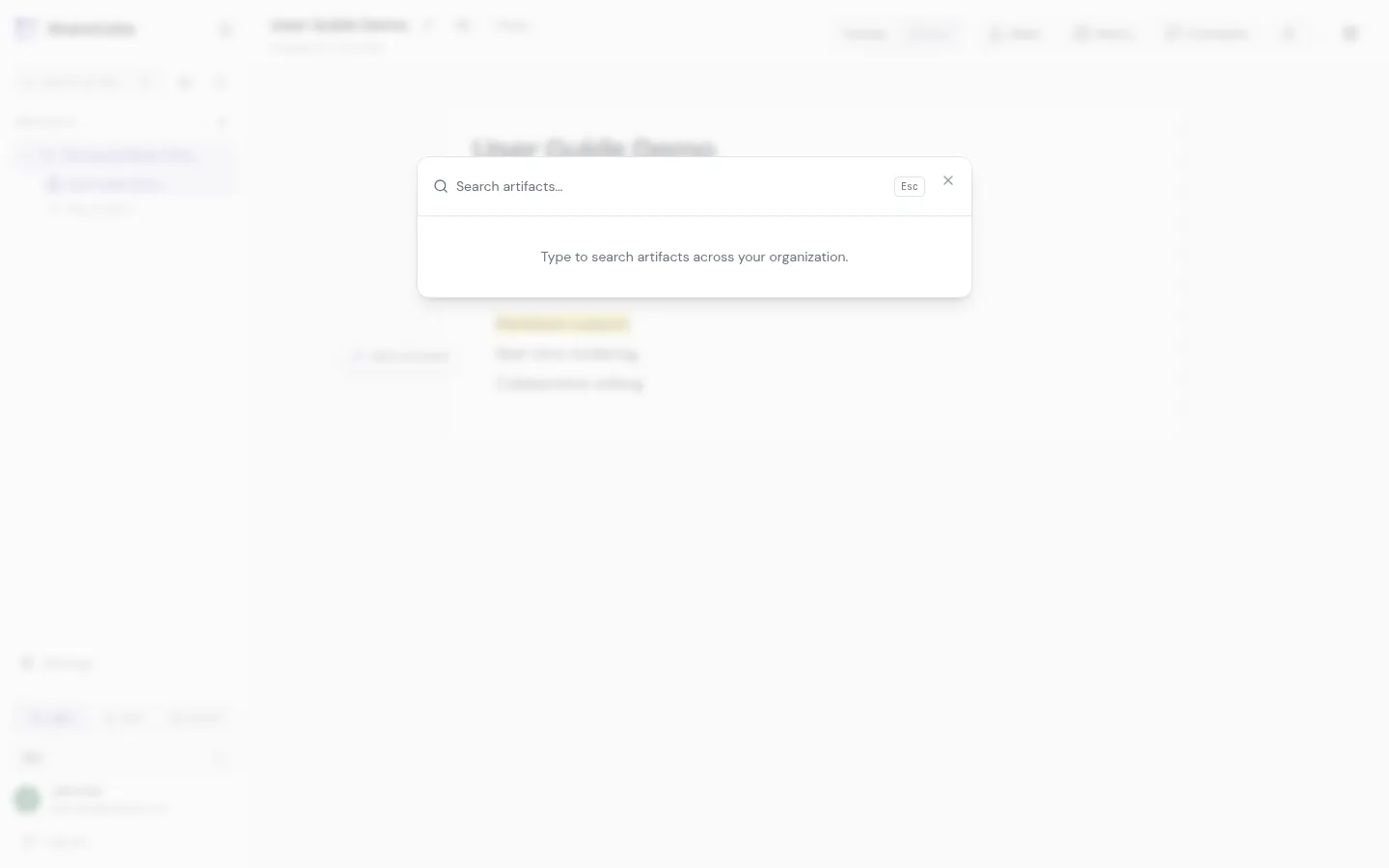
Type a phrase. Results come from artifacts you are allowed to see. Click a result to open it.
What gets indexed
Section titled “What gets indexed”Creates, updates, and deletes go through a search index. After you save an artifact, it is usually searchable within a few seconds. Deleting an artifact removes it from the index so stale hits do not linger.
Agents can search too, using the search_artifact MCP tool. That is the same index, with the same access rules as your user (or the API key owner).