

Installation
Pick the tool you use. Every method signs you in with OAuth, so there are no keys to paste.
Where a tool supports plugins, the ShareCube plugin adds a sharecube skill on top of the tools. It teaches the agent to make small edits that never clobber what people changed in the web app, to write HTML that renders in the sandboxed viewer, to anchor comments, and to ask before a permanent delete. The plugin source is at infragate/sharecube-plugin.
Showing setup for , from the link you followed.
Coding tools
For teams
No tool by that name. Anything that speaks MCP can connect: see MCP and API Keys.
Need an API key for CI or a container, where nobody can finish a browser sign-in? See MCP and API Keys.
Signing in
Section titled “Signing in”Every method ends on the same ShareCube consent screen. You pick the Organization the connection can reach, review what it will be able to do, and click Connect.
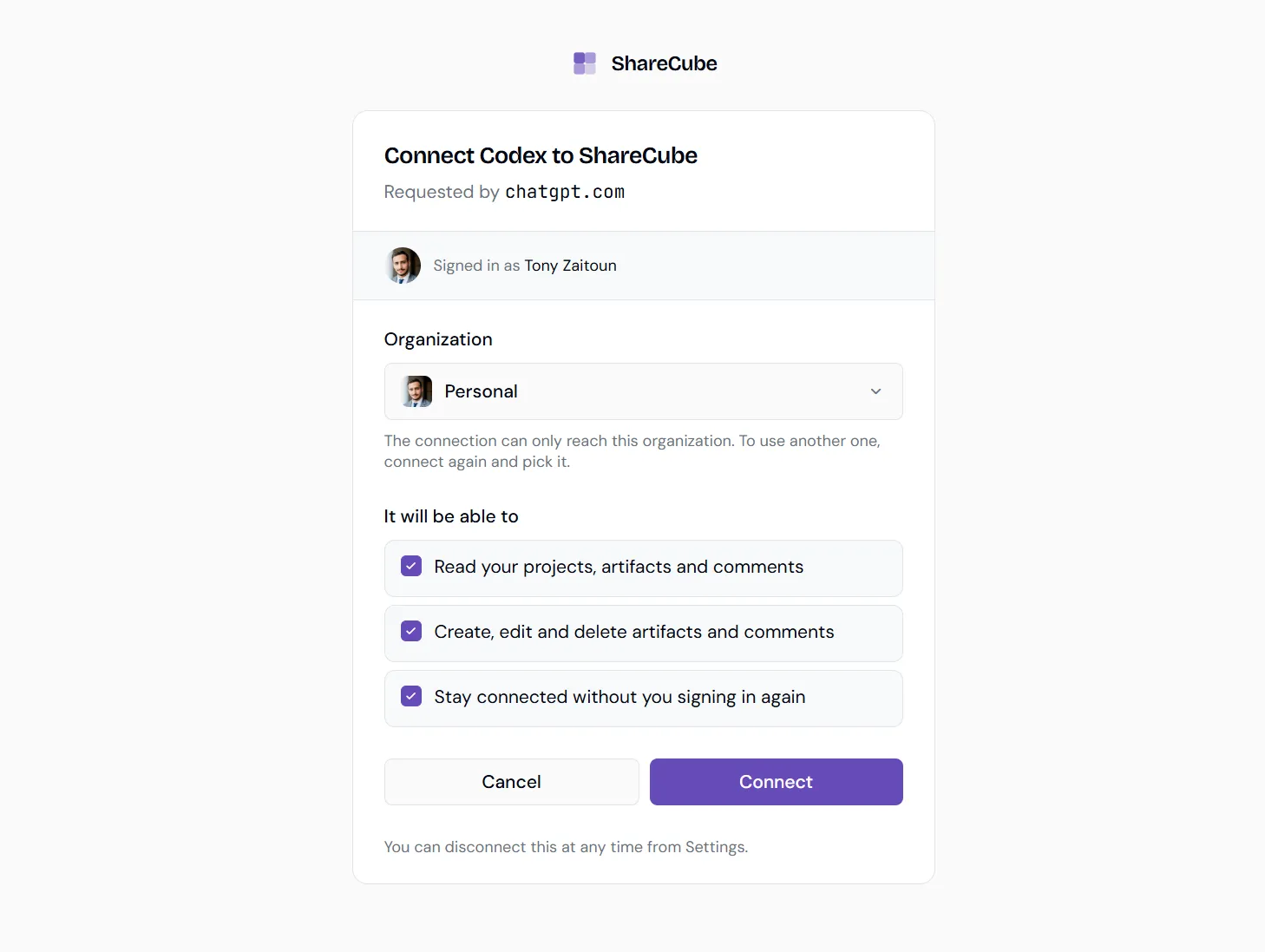
A connection only reaches the organization you picked. To use another one, connect again and pick it. You can disconnect at any time from the client’s settings, or from Settings → Integrations in ShareCube.