

Organization Settings
Settings at the bottom of the sidebar. The first section is yours; the rest is the organization’s and is for org Owners and Admins.
Profile and appearance
Section titled “Profile and appearance”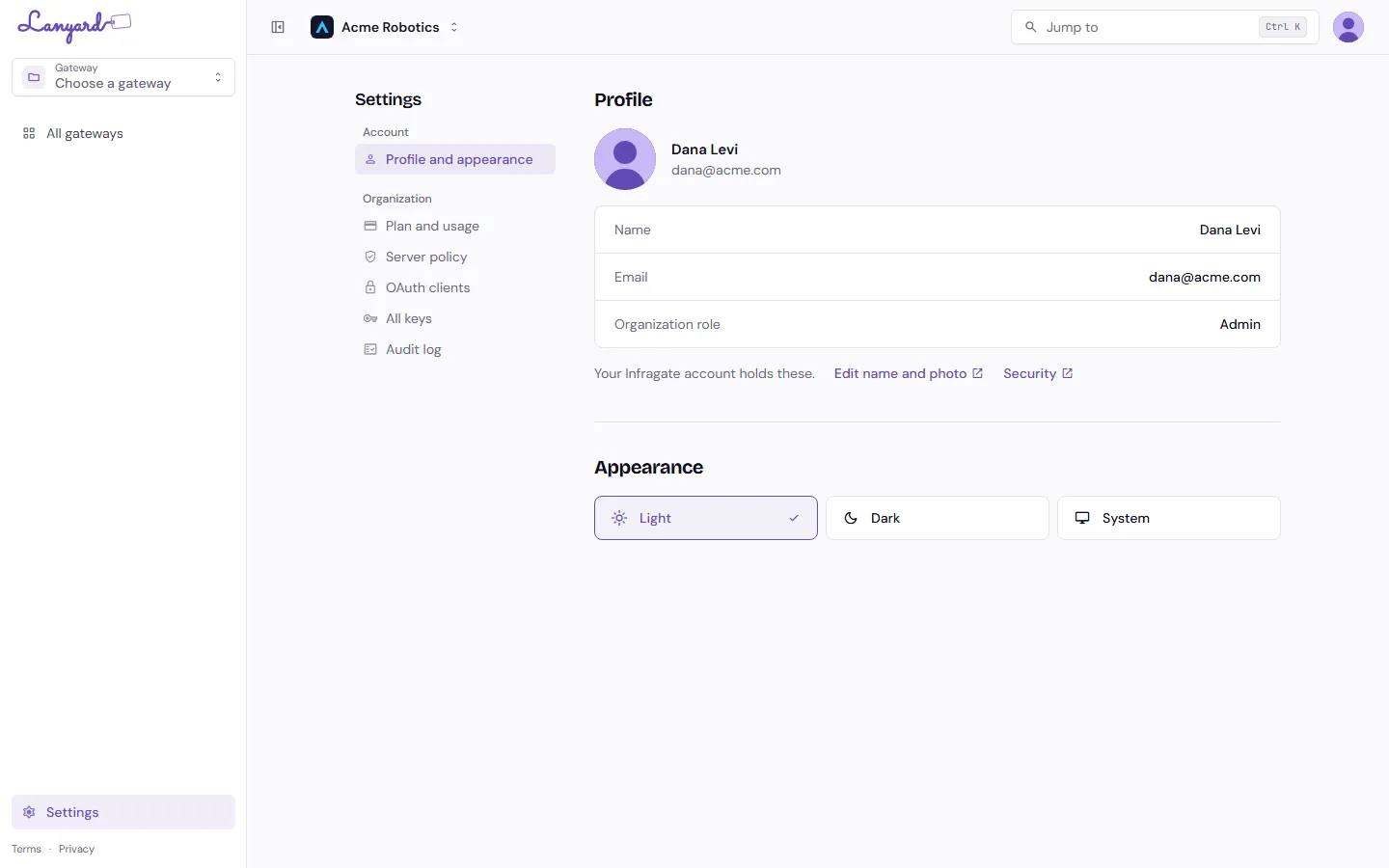
Your name, email and organization role, as Lanyard sees them. They live in your Infragate account, so Edit name and photo and Security open the account portal, where you change your name, photo, password and two-factor settings once for every Infragate product.
Appearance is Light, Dark, or System. It is remembered in this browser.
The organization switcher is at the top of the console, next to the org name. Gateways and keys do not carry over between organizations.
Server policy
Section titled “Server policy”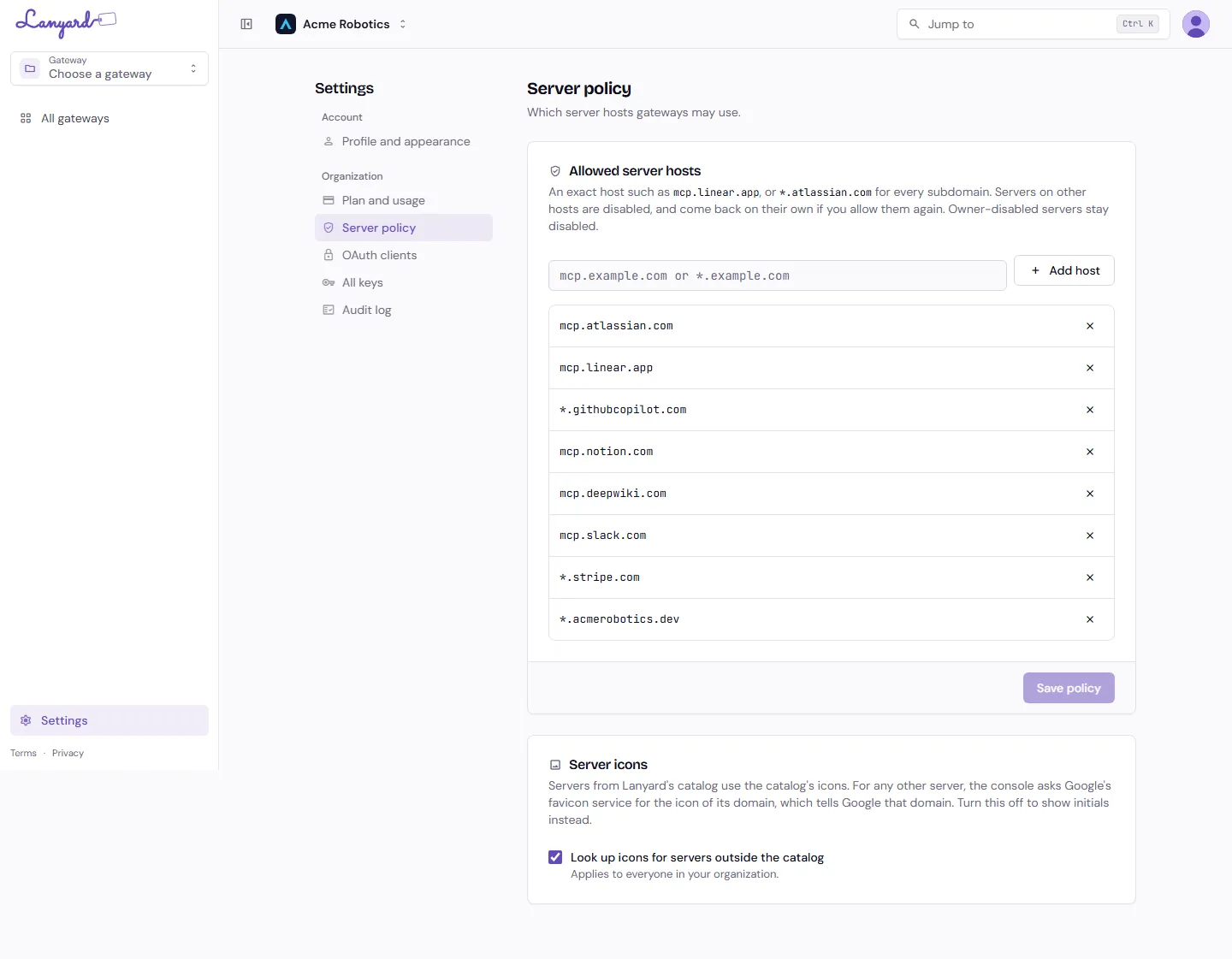
Which hosts gateways in this organization may use at all. Without a list, any remote MCP server is fair game for anyone who can create a gateway.
Add an exact host such as mcp.linear.app, or a wildcard such as *.atlassian.com for every subdomain. Before you save, Lanyard shows you which existing servers the new list would disable.
Servers on hosts that are not allowed are disabled rather than deleted, and come back on their own if you allow the host later. A server that a gateway owner disabled by hand stays disabled either way.
Server icons controls one small thing: for servers outside Lanyard’s catalog, the console asks Google’s favicon service for an icon, which tells Google that domain. Turn it off to show initials instead. It applies to everyone in the organization.
OAuth clients
Section titled “OAuth clients”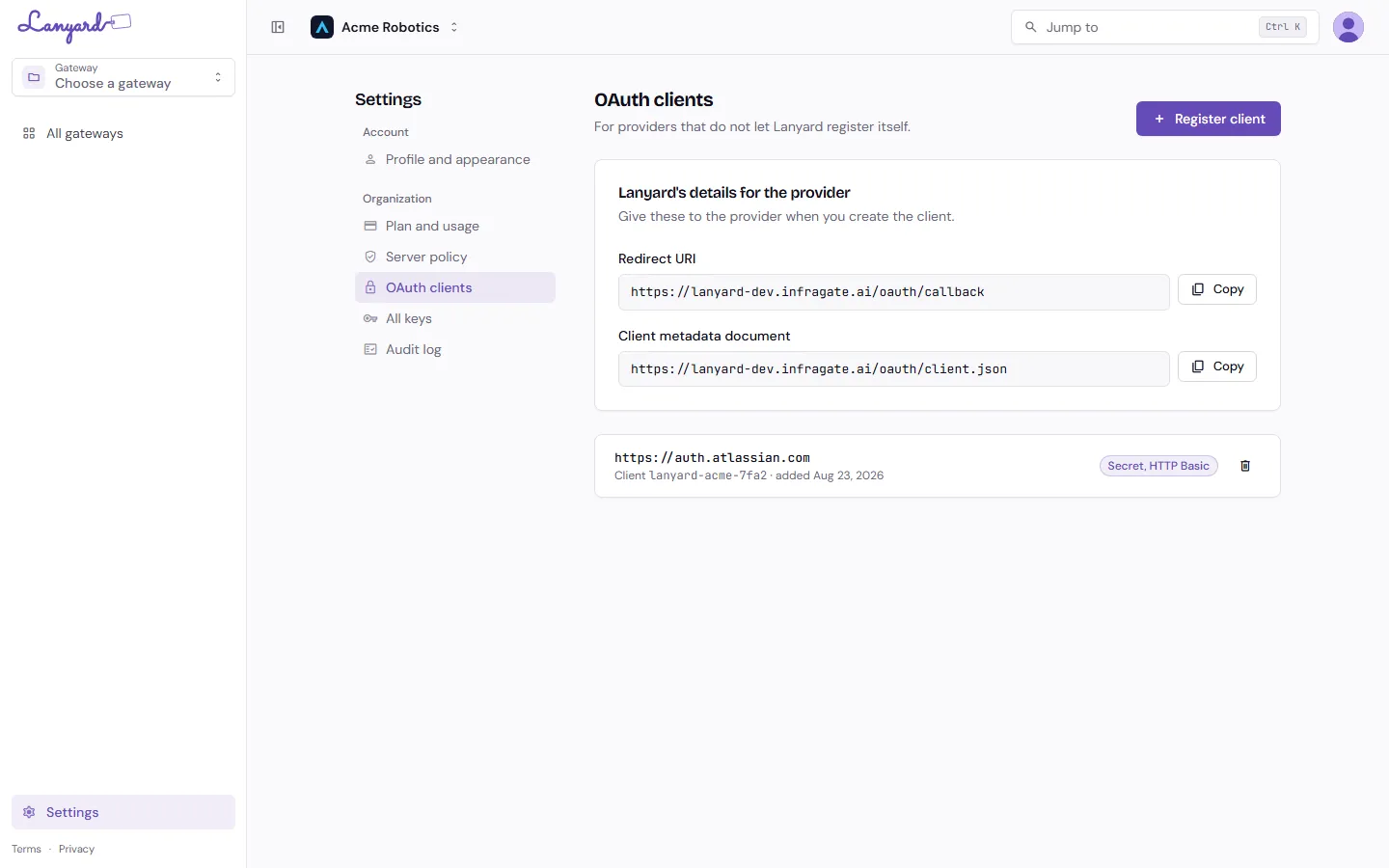
Most providers let Lanyard register itself when the first person connects. A few insist that you create the app yourself. This page is for those.
The top card holds the two values a provider asks for: Lanyard’s Redirect URI and its Client metadata document. Copy them into the provider’s app form.
Then Register client with the provider’s issuer URL and the client id it gave you, plus a secret if it issued one. Every gateway in the organization uses it for that issuer, which beats pasting the same client id onto each server. A client id registered here wins over one set on an individual server.
All keys
Section titled “All keys”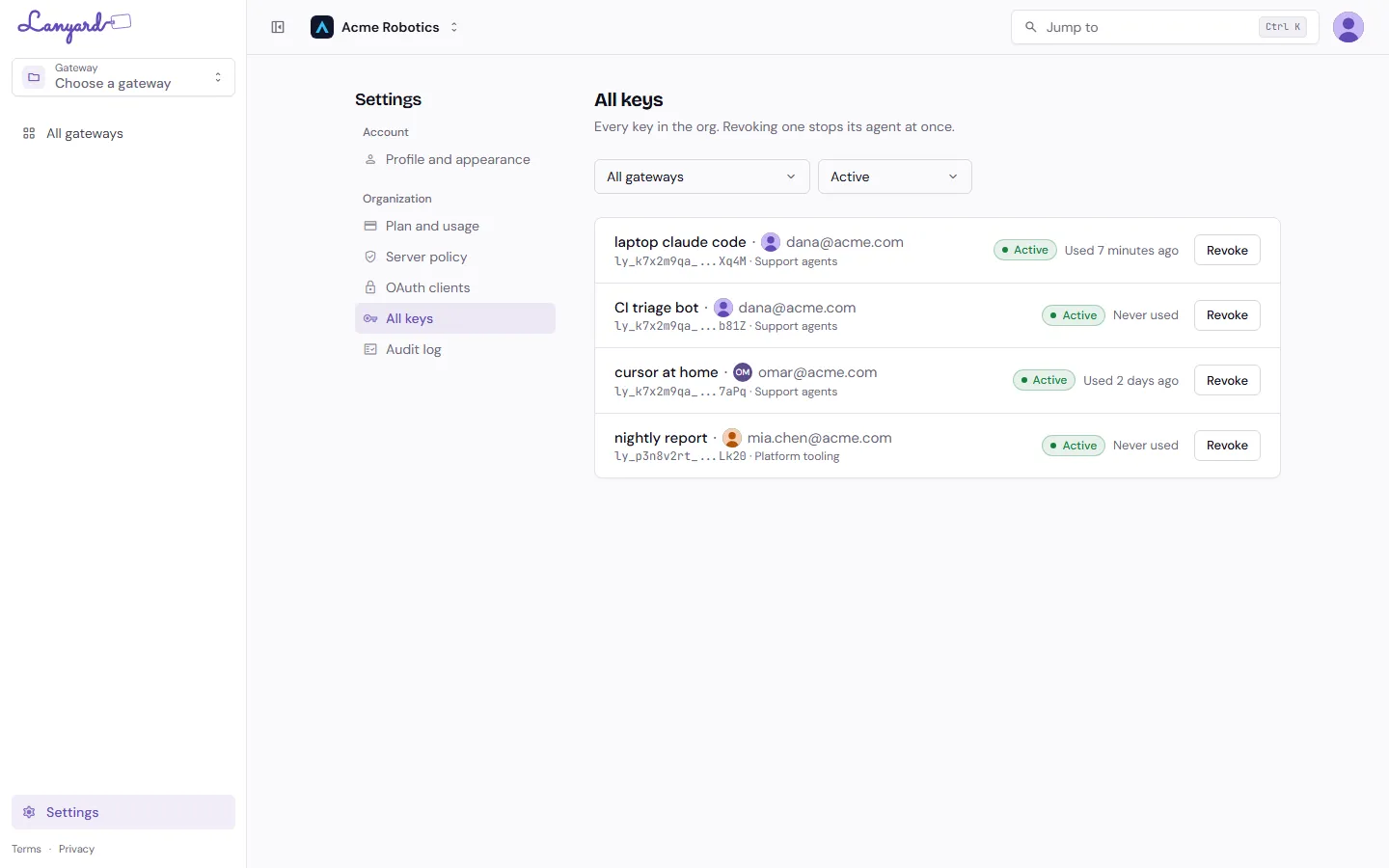
Every key in the organization: the name, the owner, the gateway, the last use. Filter by gateway or status, and revoke from here.
See Keys and agent setup for what revoking does and what Lanyard revokes on its own.
Audit log
Section titled “Audit log”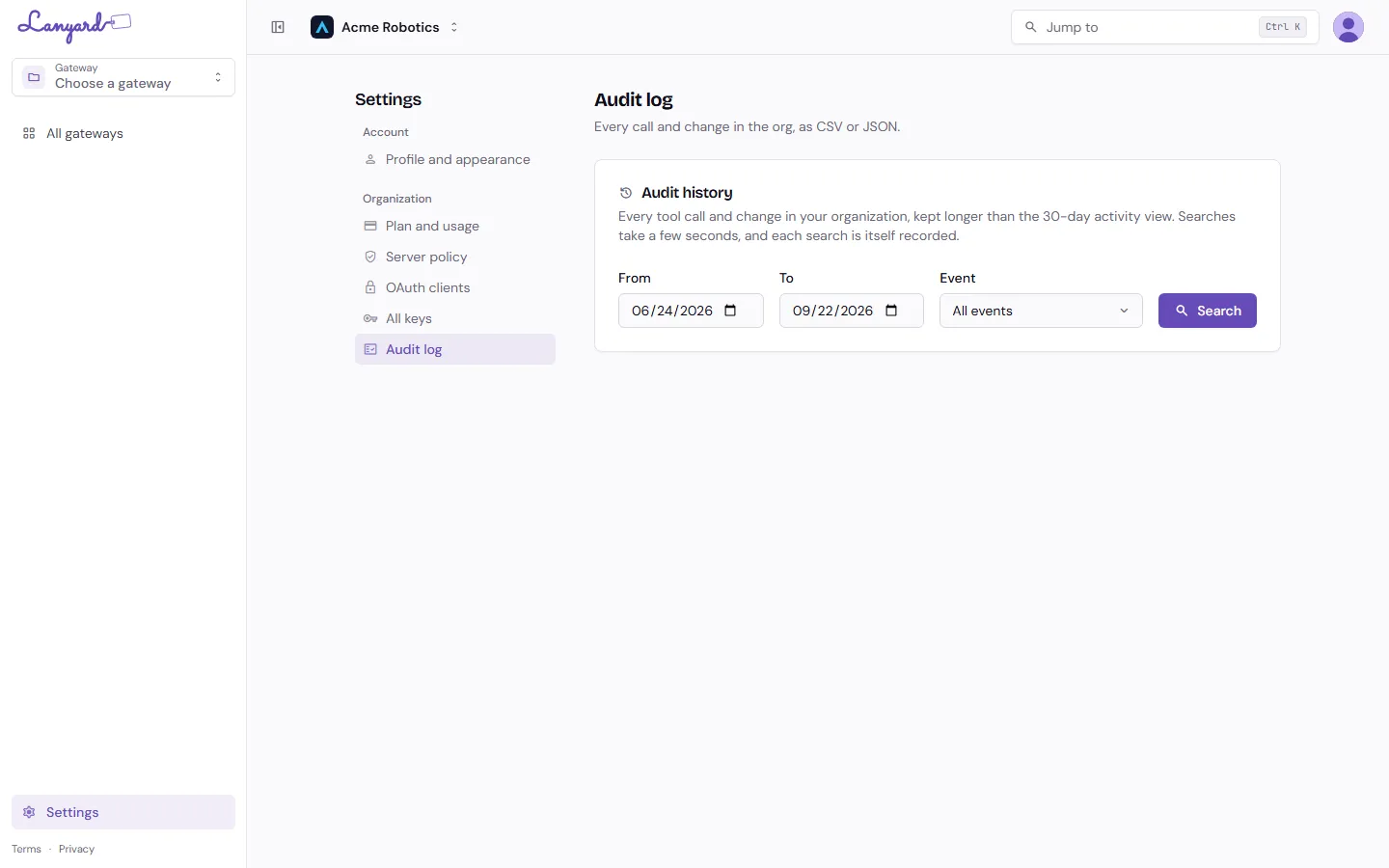
Every tool call and every change across every gateway, kept longer than the 30-day Activity view, exportable as CSV or JSON.
This is the organization-wide version of Activity. Searches take a few seconds, and each search is itself recorded.
Plan and usage
Section titled “Plan and usage”Seats, tool calls, rate limits and billing have their own page.